
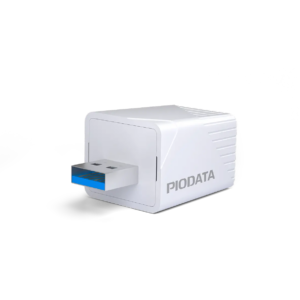
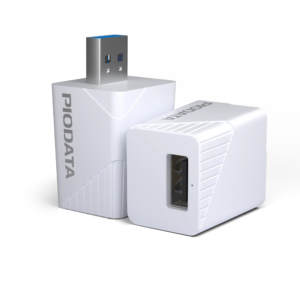
Features
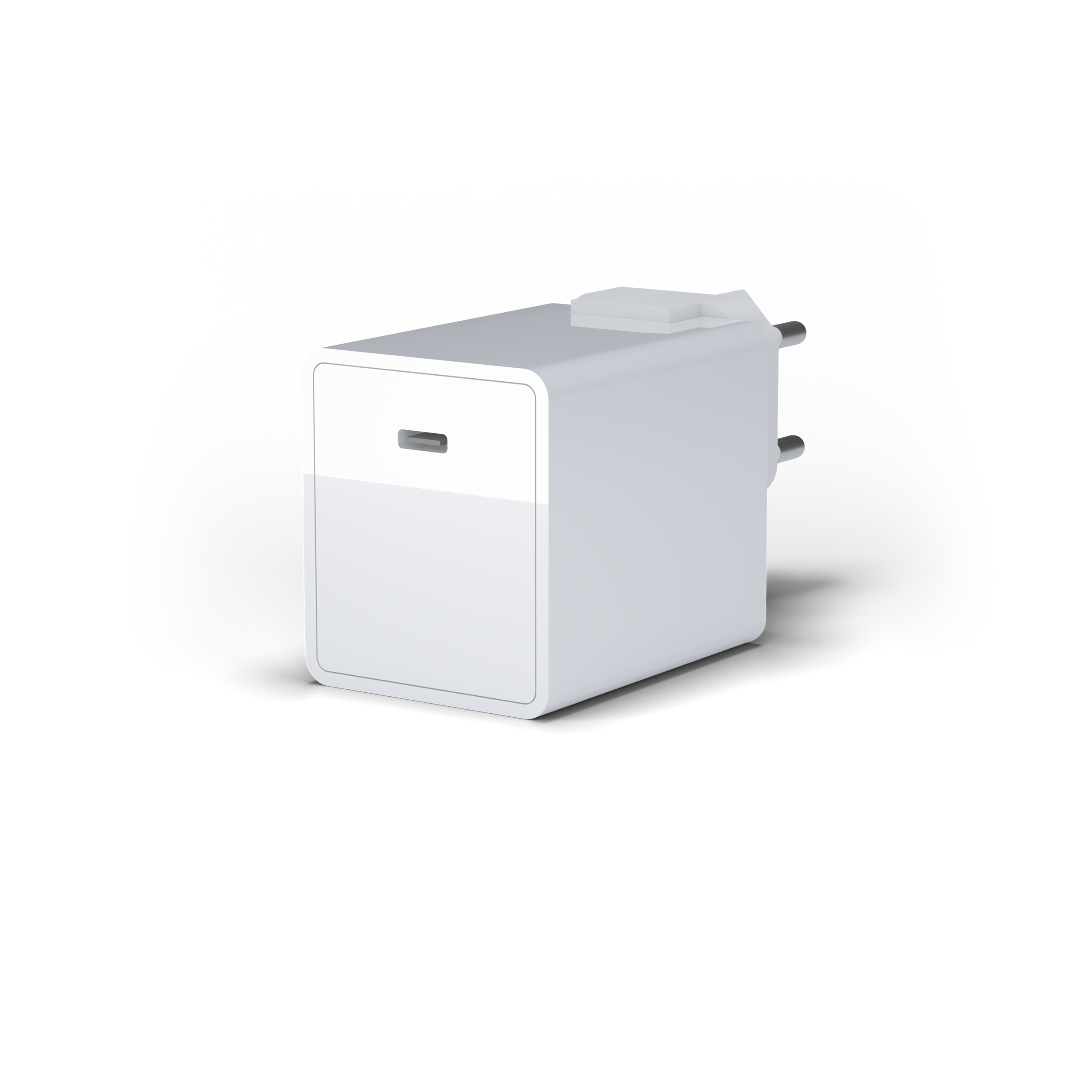
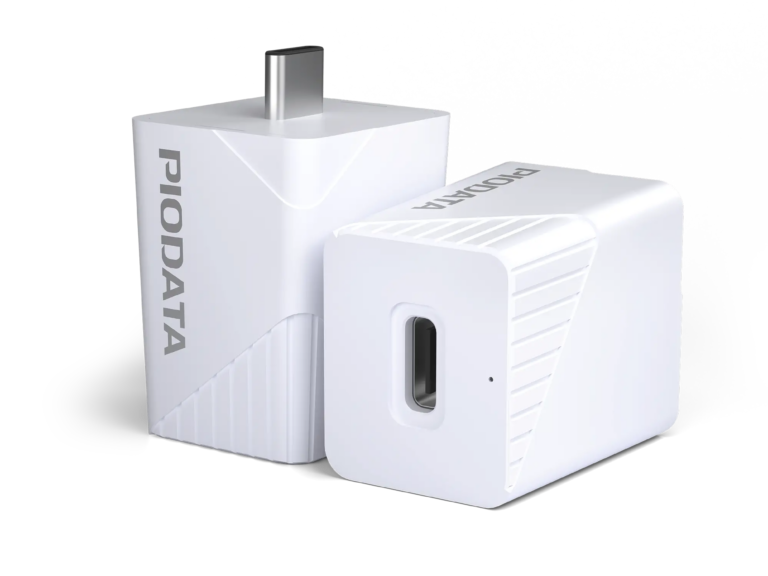
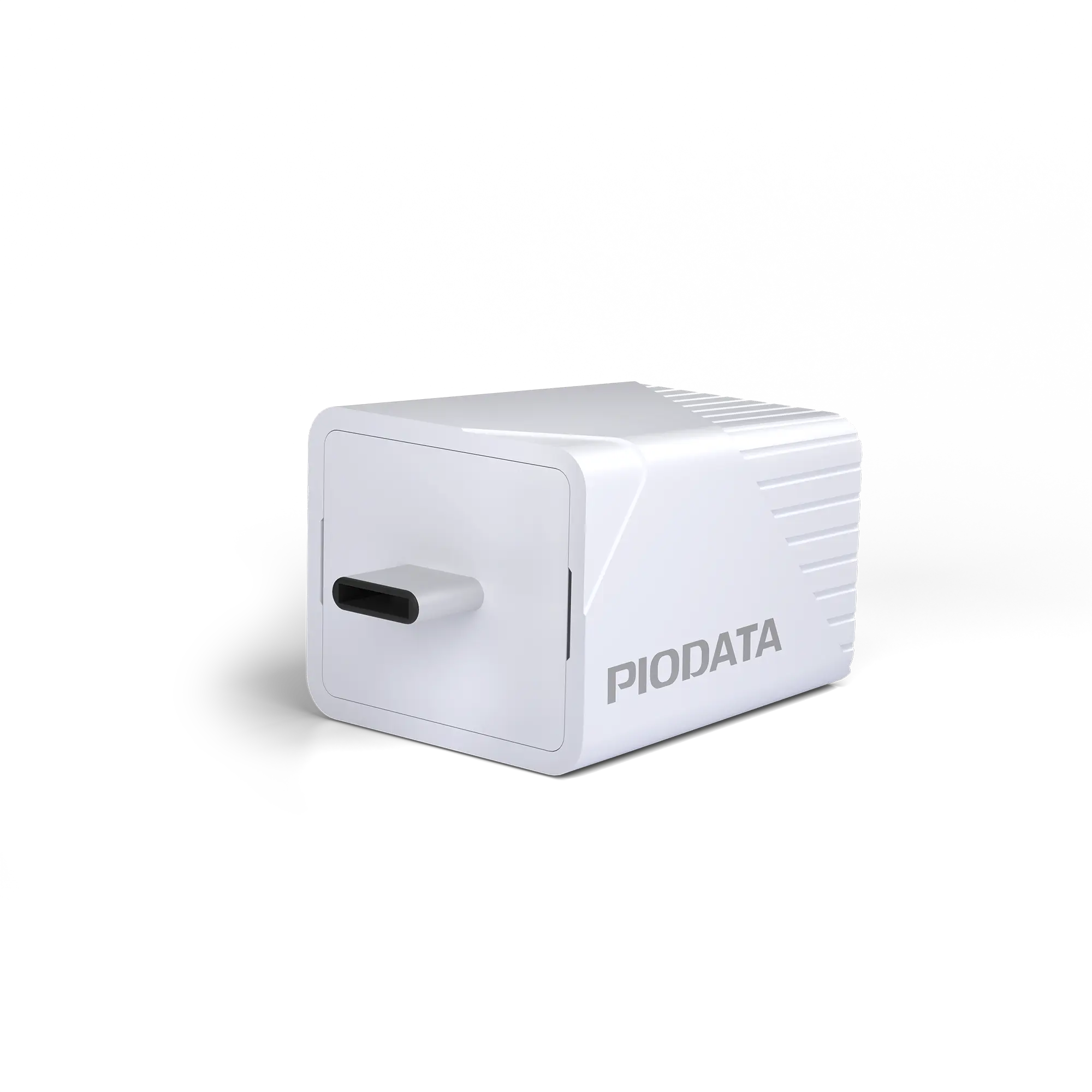
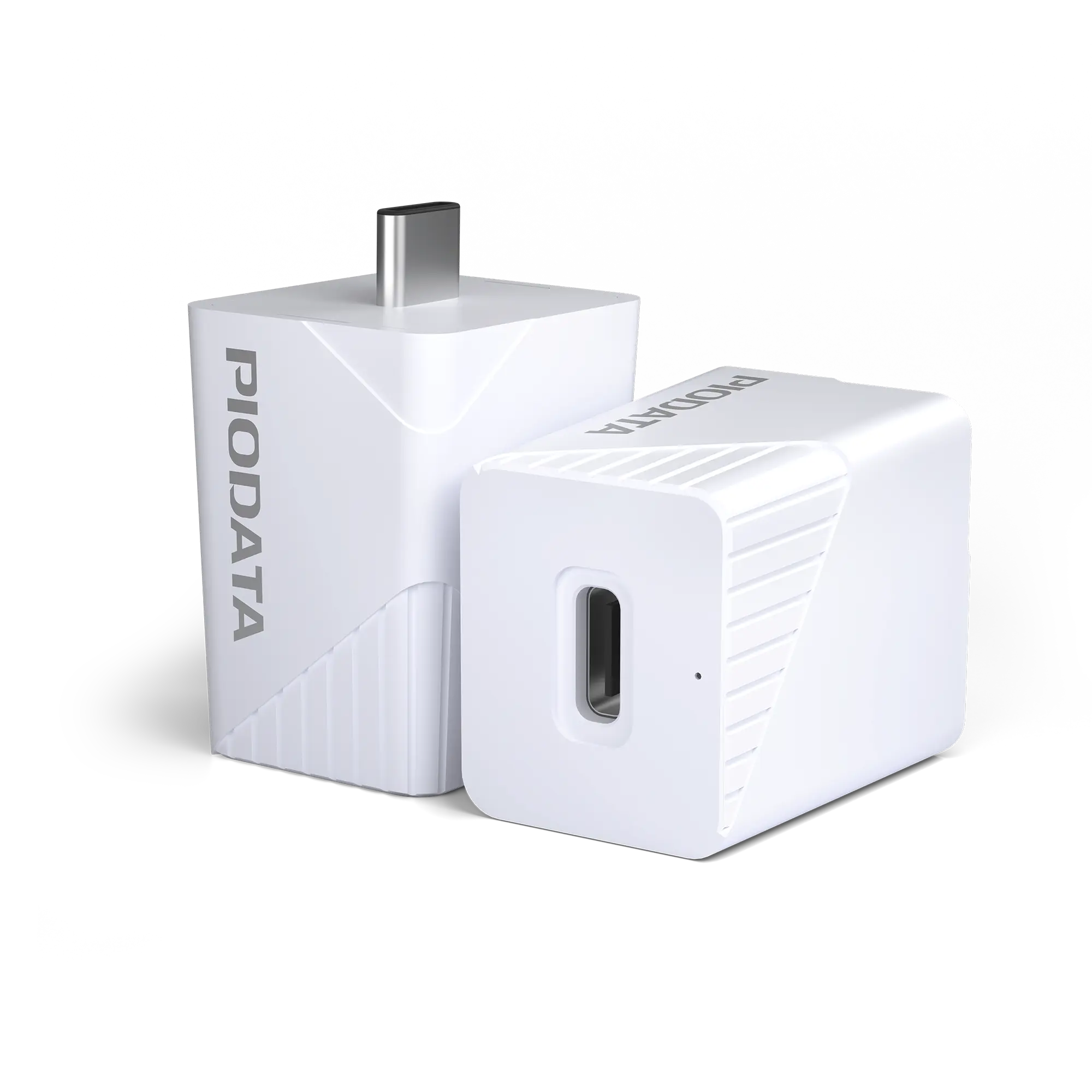
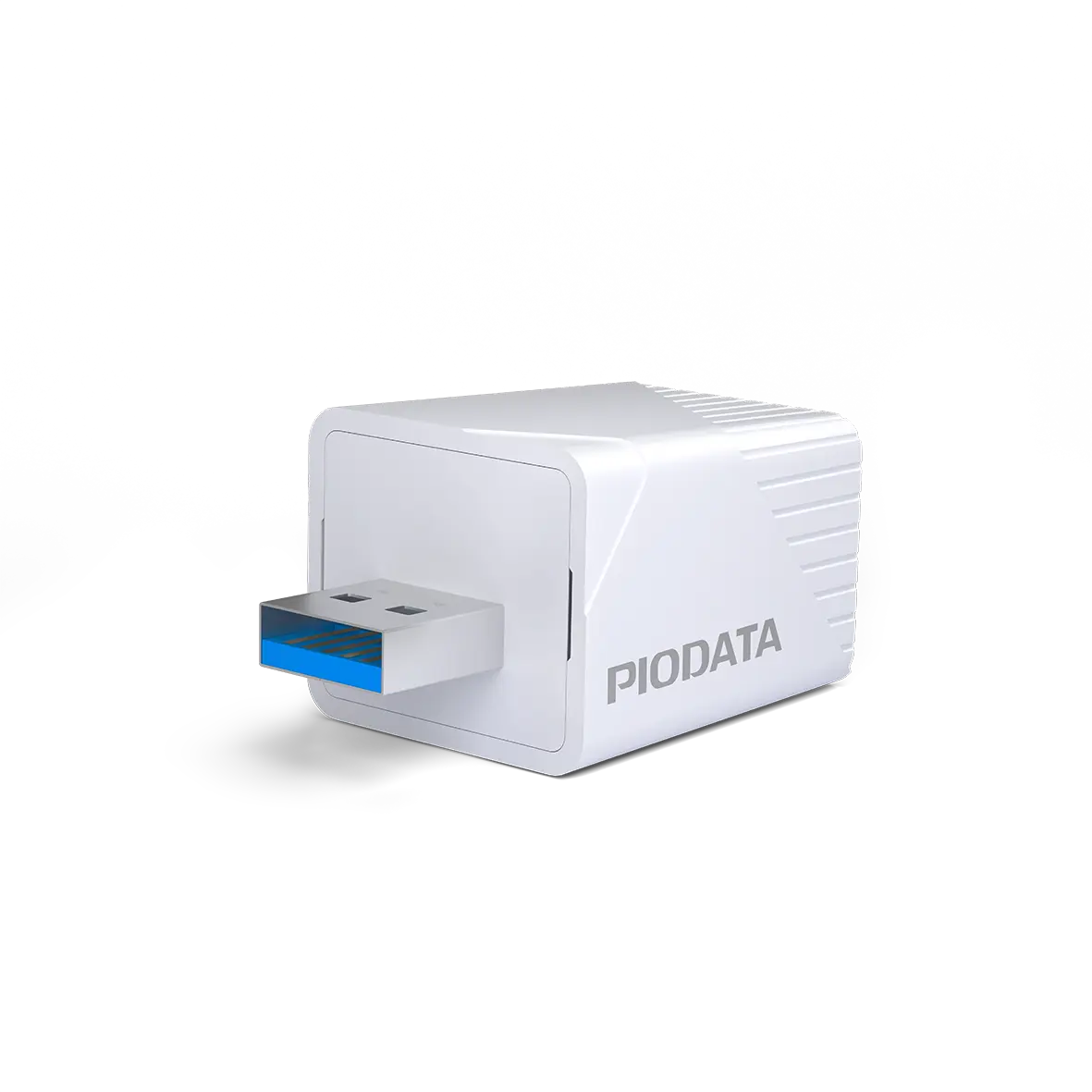
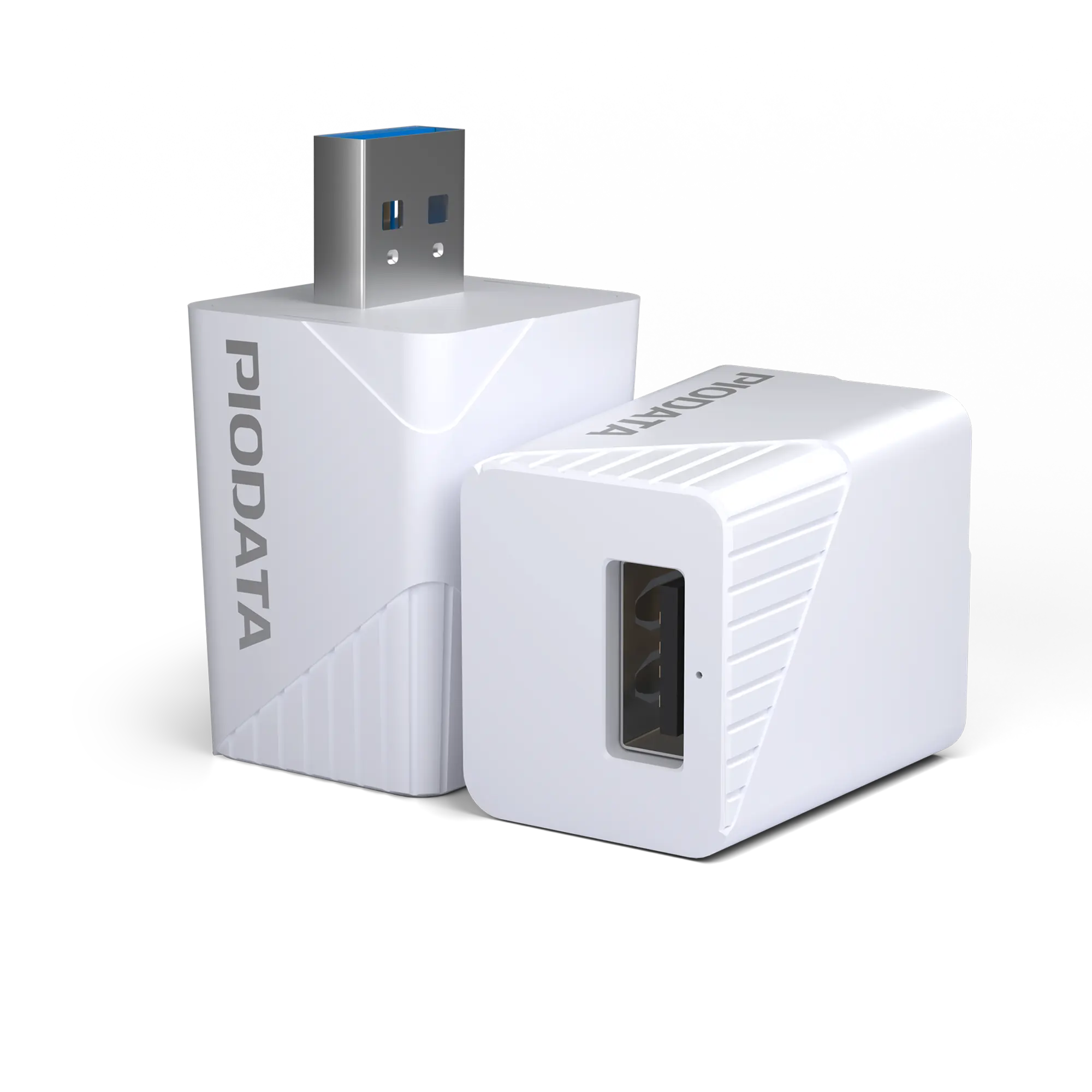
The iXflash Cube makes backing up your most important data easier than ever. Simply plug it in between your charger and iPhone or iPad — the free app takes care of the rest in the background. No cloud, no subscription, no risk.
FAQ
What should I do if the iXflash app does not open or backup is not possible?
Make sure the iXflash Cube app is installed from the App Store. Search for “iXflash” in the Apple App Store, download and open the app. Afterwards, the connection to the iXflash Cube should be detected automatically and backup should work without issues.
Why can’t I use an external memory card in the iXflash Cube?
External memory cards vary greatly in quality and reliability. To avoid data loss, the iXflash Cube uses high-quality integrated storage that has been thoroughly tested. This keeps your backup safe and stable — with no risk from low-quality microSD cards.
What does “Charge & Backup” mean?
The iXflash Cube simply connects between your charger and iPhone/iPad. While charging, it automatically backs up photos, videos, and contacts — no manual action needed. After initial setup, backups start automatically with each charge.
Why do backup files on the iXflash Cube appear smaller than on a PC?
Apple stores photos and videos in the compressed HEIC format. When transferred directly to a Windows PC, these files are converted into larger JPG or MOV files. The iXflash Cube stores the original files, so they appear smaller but remain true to the original. Tip: On your iPhone, under Photos → Transfer to Mac or PC, select Keep Originals to transfer HEIC files directly.
Why can some backup photos and videos not be opened on Windows?
iPhones save photos in HEIC format and videos often in H.265/HEVC format — these are not natively supported on Windows. In the iXflash app, you can set photos to be converted to JPG during backup. For videos, use a compatible player like VLC or KMPlayer to play HEVC files without problems.
Technical Specifications
| Storage Capacities | 128 GB, 256 GB, 512 GB, 1 TB |
| Storage Capacities | Apple MFi-certified Lightning & USB 3.1 (USB-A or USB-C) |
| Read Speed | Up to 100 MB/s |
| Write Speed | Up to 80 – 90 MB/s |
| Supported File Formats | Office: pdf, doc, docx, ppt, pptx, xls, xlsx, key, numbers, pages, html, txt, rtf, rtfd, xbm Video: m4v, mp4, mov( h264/h265), mpg, mpeg, mv, 3pg, avi, rm, rmvb, ts, flv Image: jpg, jpeg, png, bmp, tif, gif, heic(H256), ico, icns, cur, dng Audio: mp3, aif, aiff, m4a, m4r, wav, 3gp, aac, caf, alac, ac3, amr, opus, amb, dts, ircam, maud, mp2, nist, ogg, paf, ra, snd, sph, wma, tta, spx, dvms |
| Compatibility | iPhone, iPad, iPod touch, Mac, PC |
| App | iXflash Cube App (free on the App Store and Play Store*) |
| Backup | Automatic during charging, including iCloud content |
| Restore | With metadata & formats (including Live Photos, burst photos) |
| Multi-user Support | Yes, automatic folder separation & Apple ID protection |
| Dimensions (W × H × D) | 2.3 cm × 2.6 cm × 4.5 cm |
| Weight | 15 g |
| Warranty | 2 years |
*Only the USB-C version is compatible with the Android app.